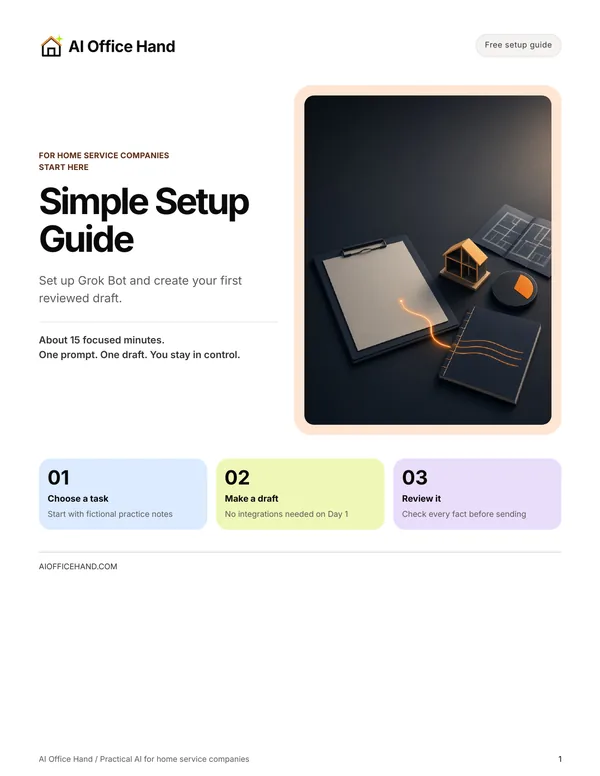
Start here
Simple Setup Guide
Set up Grok Bot and create your first reviewed draft. About 15 focused minutes, no integrations needed.

For home service companies
HVAC, plumbing, electrical, cleaning, lawn care and similar service teams.
Missed calls, estimates nobody followed up on, schedule changes, overdue invoices — the office work that waits until after dinner. Get 10 copy-paste AI prompts that turn your rough notes into ready-to-review customer messages, plus a Simple Setup Guide that walks you to your first reviewed draft.
You paste the notes. Grok Bot drafts the message. You check it and send it. No integrations needed to start — just a chat on your phone or computer.
Free · 2 guides in one PDF · Sent to your inbox after you confirm your email
Start here
Set up Grok Bot and create your first reviewed draft. About 15 focused minutes, no integrations needed.
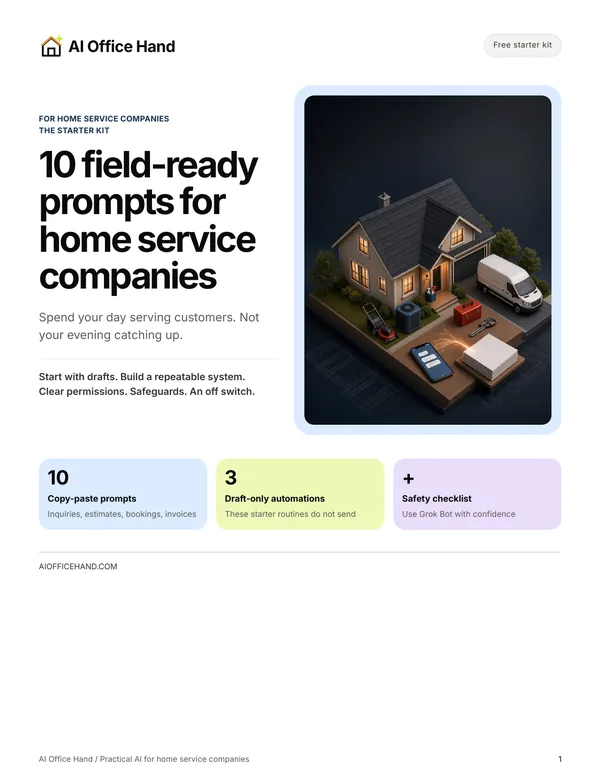
Then use
10 copy-paste prompts, 3 draft-only automations, and a safety checklist.
None of it is hard. It just never stops, and it all lands while you’re on a job.
A call hits voicemail while you’re on a job. By the time you call back that night, they may have booked someone else.
You sent the estimate. Nobody followed up. It sits there until it’s forgotten.
A job runs long and several customers need a heads-up, typed one at a time from the truck.
The work is done and the invoice is out. Chasing it means another awkward message you keep putting off.
Every message you put off is a customer left waiting. The kit gives you a ready-to-review draft for each one — and the final say stays with you.
The free bundle
One PDF, sent by email after you confirm. Start with the Simple Setup Guide, then work from the Starter Kit. No course to sit through, no call to book, and the guides cost nothing.
Every prompt ends with a “Check before sending” box, so you know exactly what to verify before anything reaches a customer.
What you receive
Delivered by email after you confirm. Nothing locked, nothing to buy from us.
Rough notes in, ready-to-review drafts out
Fictional examples. You review every draft before it goes out.
Prompt 1
What came in: “Hi, this is Dana. Our kitchen sink drains really slowly. Can someone come this week? Mornings are better. We have a dog.”
What you add: your next step — a callback tomorrow 8–10 AM, or your booking link.
Draft to review: “Hi Dana, thanks for calling about your slow kitchen sink. We can call you tomorrow between 8 and 10 AM to set up a morning visit, or you can book online here: [LINK]. What’s the service address? — [Company]”
Prompts 6 and 7
Tech notes: “weekly mow + edge done; side gate latch broken, photo 2; cust asked about fall leaf cleanup — office to send options by Mon”
Draft to review: “Your weekly lawn visit is done: front and back mowed and edged. Heads up: the side gate latch is broken. Thanks for asking about fall leaf cleanup — our office will send you options by Monday.”
Automation 2 or 3, after you’ve tried the prompts
Once a week, the routine lists every estimate with no answer after the number of days you set, oldest first, and drafts a short follow-up for each.
You read the list, fix anything that’s off, and send the ones you choose. Nothing goes out on its own.
You still own the price, the schedule, the technical calls and the send button. The kit removes the blank page. It doesn’t replace your judgment.
Three steps
Start with drafts you review. Save what works as a repeatable system. Automate only specific actions you permit, with safeguards and an off switch.
Paste notes, review the draft, send it yourself. Practice with fictional details before you use a real customer or job.
Save the prompt and the rules that work. Decide the trigger, the source, the recipient and the checks. Test with fictional data.
Automate only actions your tools support and you explicitly allow. Specify the recipient, channel and content; contact customers only with their consent. Keep activity logs, review exceptions and use an off switch. If a safeguard is missing, keep that task in review.
Referral link — Mike’s invite. I may benefit if you sign up through it. It is not affiliation with, sponsorship by, or endorsement by the maker of Grok Bot. The free guides are yours either way.
I’m Michael White. I’ve spent more than a decade in estimating and project management, including serving as general manager of a multimillion-dollar restoration company.
I know the work doesn’t stop when the last appointment ends. There are estimates to follow up on, customers waiting for updates, schedules to straighten out and invoices to chase.
AI Office Hand helps home service owners use AI for that everyday office work—starting with practical prompts and drafts you review. Less catching up after hours. You stay in control.
Read first, no signup
Step-by-step walkthroughs with fictional worked examples and checklists. No email needed to read them.
Getting Started
A first-week plan: pick one message, write the rules, test on five past messages, review every draft.
Job Notes
Turn a tech’s notes into a reviewed job record and a short customer update.
Estimates
Follow-ups drafted from the estimate you sent, with a schedule you set and stop-on-reply rules.
Two guides in one PDF: the 7-page Simple Setup Guide (set up Grok Bot and create your first reviewed draft) and the 16-page Starter Kit (10 copy-paste prompts, 3 draft-only automations, a safety checklist). You get them by email after you confirm your address.
The guides are free. They’re written for Grok Bot, which is a separate product with its own plans and trial terms; read those on its signup screen before you start.
No. Nothing in the guides answers calls or texts. You paste in what came in, Grok Bot drafts a reply, and you decide what to send.
The Simple Setup Guide is built around about 15 focused minutes to your first reviewed draft. Creating a Grok Bot account may take longer.
You don’t need to be. Each prompt is copy, fill in the [BRACKETS], paste and review. Day 1 needs no integrations.
It can. Every prompt tells it to use only your notes and mark gaps, every prompt ends with a “Check before sending” box, and the starter automations only draft. You check prices, amounts, dates and arrival windows against your estimate, invoice and schedule.
No. The prompts tell the AI not to diagnose or give repair or safety instructions. Technical findings come from your qualified techs; the AI only rewords what they wrote.
No. AI Office Hand never sends as you. The starter automations create drafts. Automatic sending is a later, explicitly authorized step you control.
Share only what the task needs. Leave out card and bank details, gate, lockbox and alarm codes, and anything the task doesn’t need. Follow your company policy and customer agreements.
No. AI Office Hand is an independent user of Grok Bot — not affiliated with, sponsored by, or endorsed by its maker. The “Start Using Grok Bot” link is a referral invite only.
Free guides
Enter your email, then confirm to get both free guides.
After signing up, open the email from AI Office Hand and tap “Yes, Send My Free Guides” to confirm and get your guides. If you don’t see it, check spam or Promotions.
Your email and first name are used to deliver the guides after you confirm. Company name is optional. Signup and email delivery are managed through Kit. You can unsubscribe using the link in any Kit email. Questions? hello@aiofficehand.com. Kit Privacy Policy.
